Watch Together

Press play once. Everyone's watching.
A watch party you run yourself, for YouTube, Twitch, Kick and 1800+ other sites.
Every browser in the room plays on one clock, within half a second of each other.
Website · Documentation · Browser extension · Privacy · MIT license


Why Watch Together
Section titled “Why Watch Together”Hosted watch parties play what their own player can, from the few sites they support, with whoever happens to be on their servers. Watch Together is yours: a link from almost any site plays for the whole room, rooms are just links, and only the people you let in get in.
Two things make it more than a shared player. Sync is the server’s job: it holds the room’s position, sends it every five seconds, and each browser corrects itself quietly, speeding up by five percent when a little behind and seeking only when more than three seconds off. And one signed-in member is enough: the browser extension lends their session to the room, so videos that need an account play for everyone, without a cookie ever touching the disk.
Features
Section titled “Features”| Almost any site | Links are resolved on the server with yt-dlp: YouTube, Twitch, Kick, Vimeo, Dailymotion and 1800+ others, up to 4K. |
| One clock for the room | Play, pause and seek go through the server. Small drift is corrected with a 1.05× / 0.95× playback rate, large drift with one seek; each browser allows for its own latency. |
| Real adaptive playback | YouTube serves audio and video as separate files with no manifest, so the server writes a real DASH manifest from their own index and Shaka plays both through one video element. HLS sources play through hls.js. |
| Fast starts and jumps | The opening seconds, the next queue entry and the destination of every sponsor skip are fetched ahead, at exactly the byte spans the player will ask for. |
| A shared queue | Drag to reorder, see who added what. A link is queued at once and resolved behind it. |
| SponsorBlock for the room | Sponsor, self-promotion and reminder segments are skipped for everyone at the same moment by the server, shown on the seek bar and chosen per room. Uses SponsorBlock data, licensed under CC BY-NC-SA 4.0. |
| Live chat | Twitch, YouTube, Kick and Owncast chat beside live streams, or any HTTPS chat embed. |
| Screen sharing | Share a game with sound. The browser encodes it, the server relays it to every viewer (about half a second behind), and late joiners still get a picture. |
| Shared browser (opt-in) | A real browser on the server that the room watches and the admin drives, as a neko container. Needs a UDP range or a TURN relay; see the production guide. |
| Audio | One loudness level per video, measured over the whole programme by the server. Night mode compression and mono audio, per viewer. |
| Your session, lent carefully | The extension syncs your YouTube, Twitch or Kick cookies into server memory only. Opt in, and what the room watches lands in your own YouTube history. |
| Seek preview, upscaling, themes | Frame previews on the timeline, optional in-browser upscaling (WebGPU, with a WebGL fallback), light and dark schemes with six accents and a custom one. |
 |
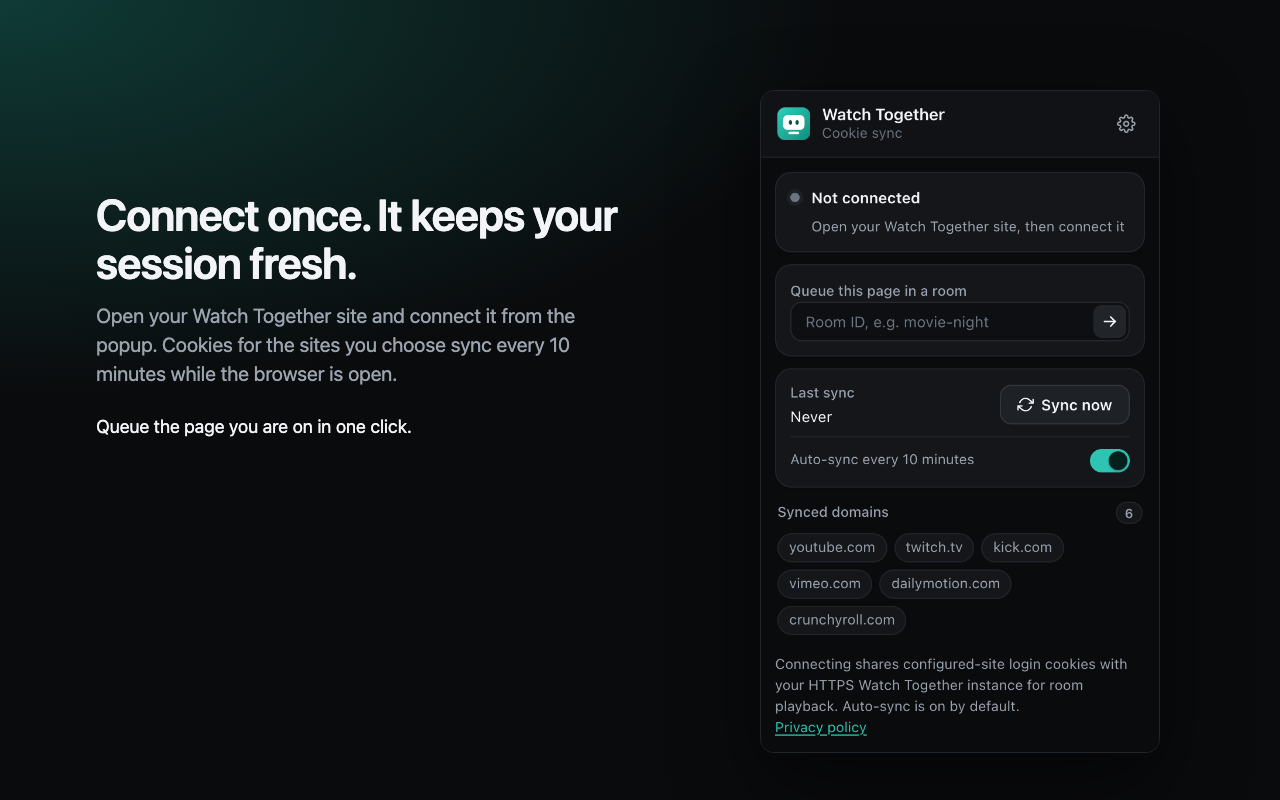 |
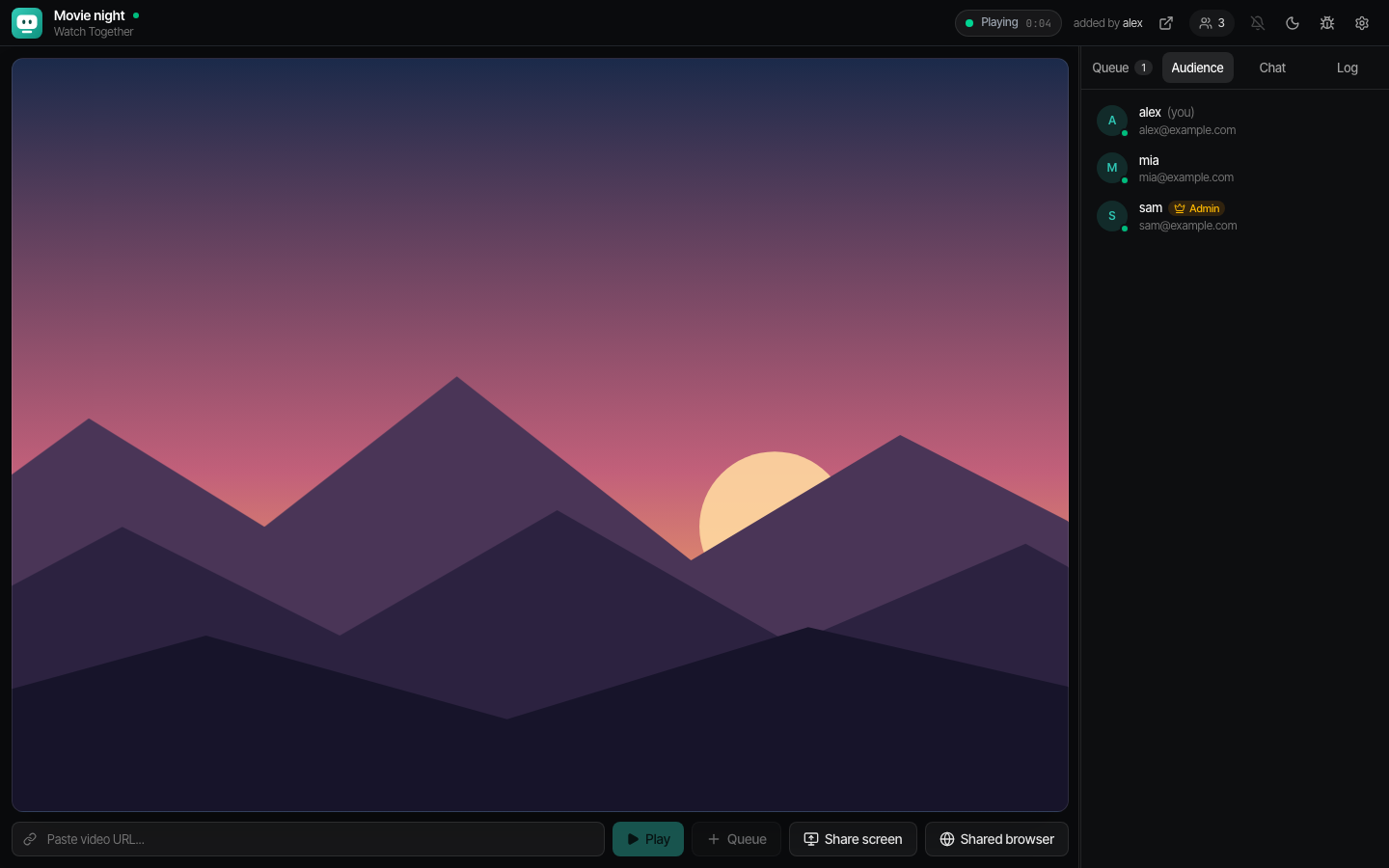
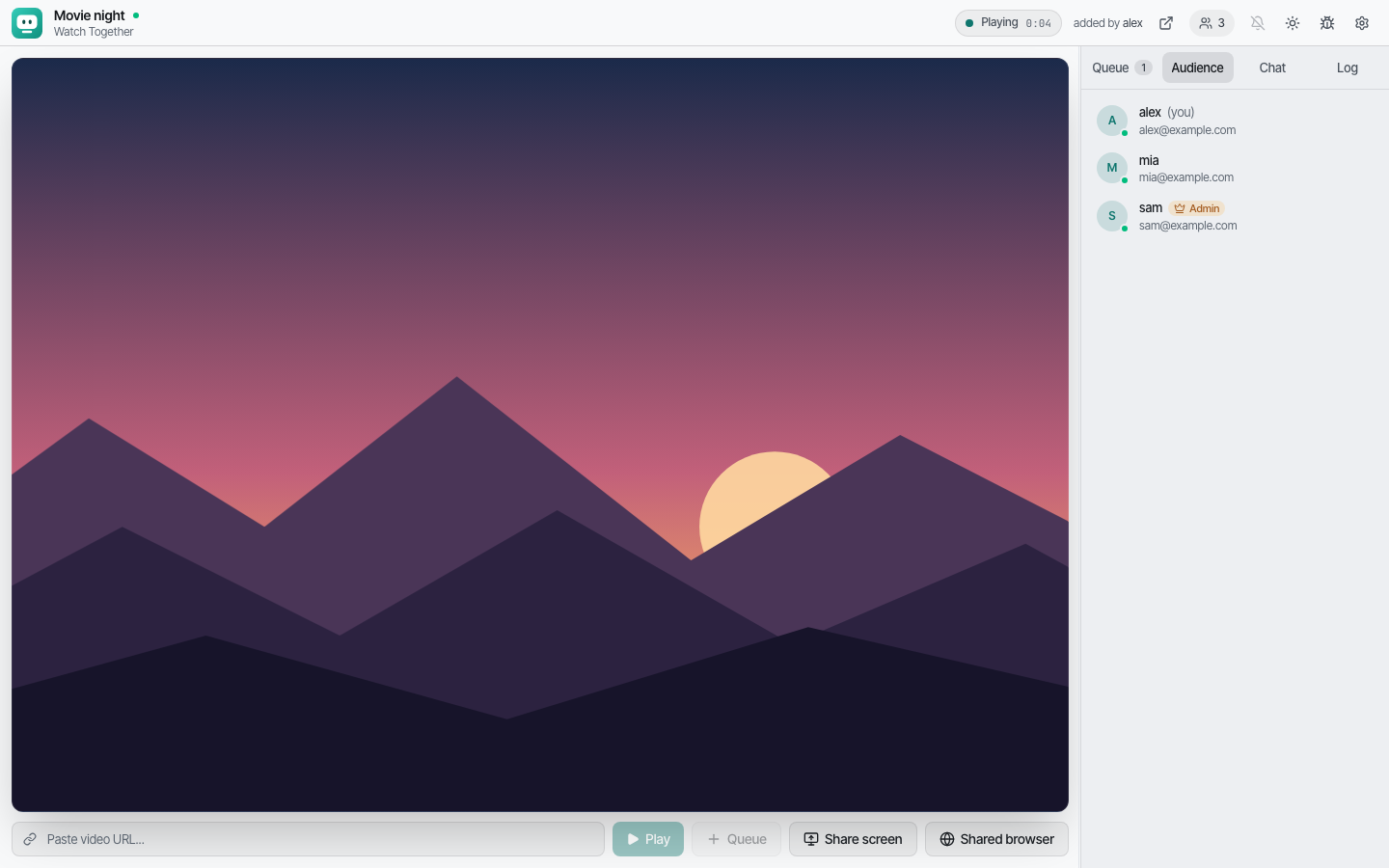
| Light or dark: following the system by default. | Cookie Sync: connect your instance once; it keeps your session fresh. |
Quick start
Section titled “Quick start”Requirements: Docker with Docker Compose. A Cloudflare account is optional, for a tunnel and verified sign-in.
git clone https://github.com/rennerdo30/watch-together.gitcd watch-togethercp .env.example .envdocker compose up -d --buildOpen http://localhost. The only variable in .env is TUNNEL_TOKEN, for the
optional Cloudflare Tunnel container; leave it unset to run without one.
For a real deployment behind Cloudflare Tunnel and Access, follow the deployment guide and the production guide.
Local development
Section titled “Local development”# Backend (Python 3.11+), port 8000cd backendpython -m venv venv && source venv/bin/activatepip install -r requirements.txtuvicorn main:app --reload --port 8000
# Frontend (Node.js 20+), port 3000, in a second terminalcd frontendnpm cinpm run devThe API documentation is at http://localhost:8000/docs. Backend tunables
(cache sizes, TTLs, prefetch depth) are constants in backend/core/config.py.
cd backend && pytest # backend, against a temporary data dircd frontend && npm run lint && npm run build # types and lintcd frontend && npm run test:e2e # two-client sync and MSE playback in a real browserCI runs these, plus checks on the browser extension and the documentation site.
How it works
Section titled “How it works” browsers ── HTTPS ── Cloudflare Tunnel + Access (optional) │ nginx ┌─────────────────┼──────────────────┐ /api, /api/proxy /ws/* /* └────────┬────────┘ │ FastAPI (one worker) Next.js app yt-dlp resolve → DASH manifest React 19, Shaka / hls.js, SSRF-safe proxy + span cache one <video> per player rooms, queue, heartbeat sync cookie store (memory only)- Rooms live in the backend’s memory, with the queue and playback state persisted to SQLite; a room stays for five minutes after its last member leaves.
- Sync: a heartbeat every five seconds carries the room’s position; clients measure their latency with ping/pong and correct by rate or by seek.
- Every upstream fetch goes through one SSRF-safe path: each host validated, the validated address pinned for the connection, every redirect re-validated.
- Identity comes from the verified Cloudflare Access JWT, never from a plain header once Access is configured.
- One worker, by design: room state, caches and the rate limiter are in-process, and startup refuses more than one.
The technical specification has the details.
Your session, and the extension
Section titled “Your session, and the extension”Most videos only play from a server with a signed-in session. Cookies reach the server one way only: through the browser extension.
- Install Watch Together Cookie Sync for Chrome or Edge. Settings in any room links to the store and offers a Firefox development ZIP; nightly releases also carry development builds.
- Sign in to YouTube, Twitch or Kick in your browser.
- Open your Watch Together instance, then connect it from the extension popup.
- The extension syncs your cookies every ten minutes while the browser is open, and again whenever you open the instance.
Cookies are never stored. The server keeps them in memory only, drops them half an hour after the last sync or as soon as you disconnect the extension, and never writes them to disk or its database. While you are in a room, YouTube, Twitch and Kick links other members paste can be resolved with your session: single videos only, never your feeds, playlists or history. Members without the extension are told about it once, above the URL box.
Read the extension privacy policy before connecting.
Project
Section titled “Project”backend/ |
FastAPI app: resolver, manifests, proxy, rooms, cookie store, pytest suite |
frontend/ |
Next.js app: the room, the player and its hooks (frontend/README.md) |
extension/ |
The Cookie Sync browser extension |
deploy/ |
Production compose file, scripts and the operations guide |
docs/ |
The website and documentation (Astro + Starlight) |
- Deployment guide and production operations
- Technical specification
- Contributing, code of conduct and support
- Security policy
- Changelog and known issues
- Report an issue
Built with Next.js 16, React 19, TailwindCSS 4, FastAPI, yt-dlp, Shaka Player and hls.js.
License
Section titled “License”Watch Together’s code is MIT. Bundled components, the published container images and the data it uses carry their own terms, listed in THIRD_PARTY_NOTICES.md. Two are non-commercial: the motion-smoothing model weights and SponsorBlock’s data (CC BY-NC-SA 4.0). Running it for yourself and friends is fine; a paid service is not, without removing those parts or getting permission.
YouTube, Twitch, Kick and the other names here are trademarks of their owners. Watch Together is an independent project, not affiliated with or endorsed by any of them.